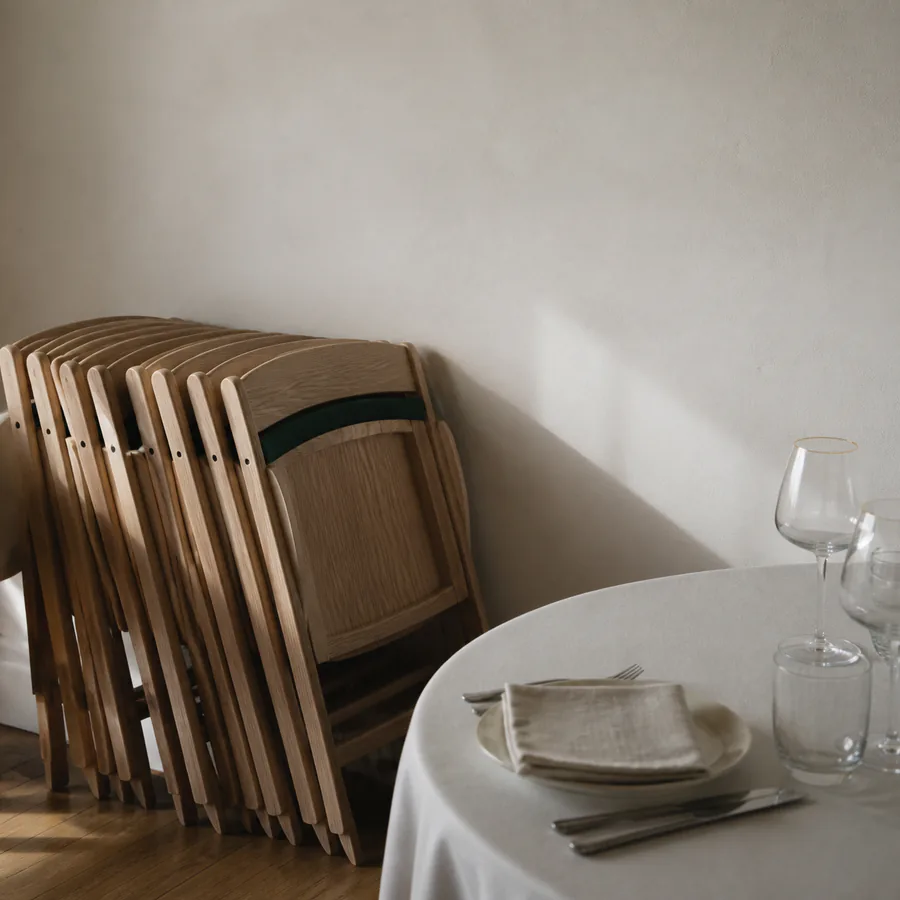
Turn empty slots into revenue.
Everything below sits in the order an operator’s day actually demands: protect the diary, take the money, brief the team, then learn from the numbers.
Or look over the tiers first →
One calendar that cannot double-book
Every space you manage lives on a single live calendar. The moment a slot is claimed, it’s locked for everyone — office staff, committee members and online hirers alike.
- Live availability Embed your calendar on your own website or share a booking link. Hirers see what’s genuinely free — no more “is the hall available?” phone tennis.
- Approve or auto-confirm Choose per space and per hirer type: trusted regulars book instantly, new enquiries wait for your approval. Either way the slot is held, not lost.
- Block & recurring bookings Set a weekly class or a whole season of fixtures in one pass. Exceptions — bank holidays, cup finals — are handled per date, not by re-typing the lot.
Deposits at booking, balances on time
The single biggest change for most venues: money arrives when the booking is made, not weeks later after three chase emails.
- Online deposits Set deposit rules per space or per event type. Card payment is taken as part of the booking flow, with an automatic receipt to the hirer.
- Automatic reminders Balance due dates, cancellation windows and day-before nudges are sent for you. Fewer no-shows, and no one on your team playing debt collector.
- Clean records Every booking carries its payment history. Month-end reconciliation for your treasurer becomes an export, not an evening.

Function sheets your caretaker will actually read
A booking isn’t done when it’s paid — someone still has to unlock the door, set out the chairs and know when the bounce castle arrives. VenueBooker turns each booking into a clear, printable run sheet.
- Setup checklists Room layout, equipment, heating on at what time — captured at booking and laid out per event, per day, per space.
- Team notifications New bookings, changes and cancellations reach the right people straight away — no forwarding chains, no out-of-date printouts.
- Day & week views A single “what’s on today” view for front-of-house, bar and grounds staff. Print it or read it on a phone at the door.
Know which hours earn their keep
Utilisation reporting shows occupancy and revenue by space, day and hour — the facts you need to price peak times properly and fill the quiet ones.
| The job | Spreadsheets & paper diary | VenueBooker |
|---|---|---|
| Checking availability | Phone calls, callbacks, one person who “has the book” | Live calendar, self-serve, always current |
| Preventing clashes | Hope, highlighters and apologies | Slots lock on booking — clashes impossible |
| Collecting deposits | Bank transfer chases over days or weeks | Paid online at the moment of booking |
| Briefing the team | Texts, sticky notes, a printout from Tuesday | Function sheets generated per booking |
| Understanding utilisation | Gut feel at the year-end meeting | Occupancy & revenue by space, day and hour |
Sized for a phone at the door
A venue is not run from a chair. Approve a request from the car park, read tonight’s run sheet at the door, and see a new enquiry the moment it lands — the same account and the same calendar, on whatever screen is in your hand.
Permissions and data handling for the VenueBooker operator app are set out in full in our Privacy Policy.
Bring your diary to the demo
Half an hour, your own spaces and rates on screen, and a straight answer on whether this suits the way your venue works.
bookings@venuebooker.co · replies within one business day