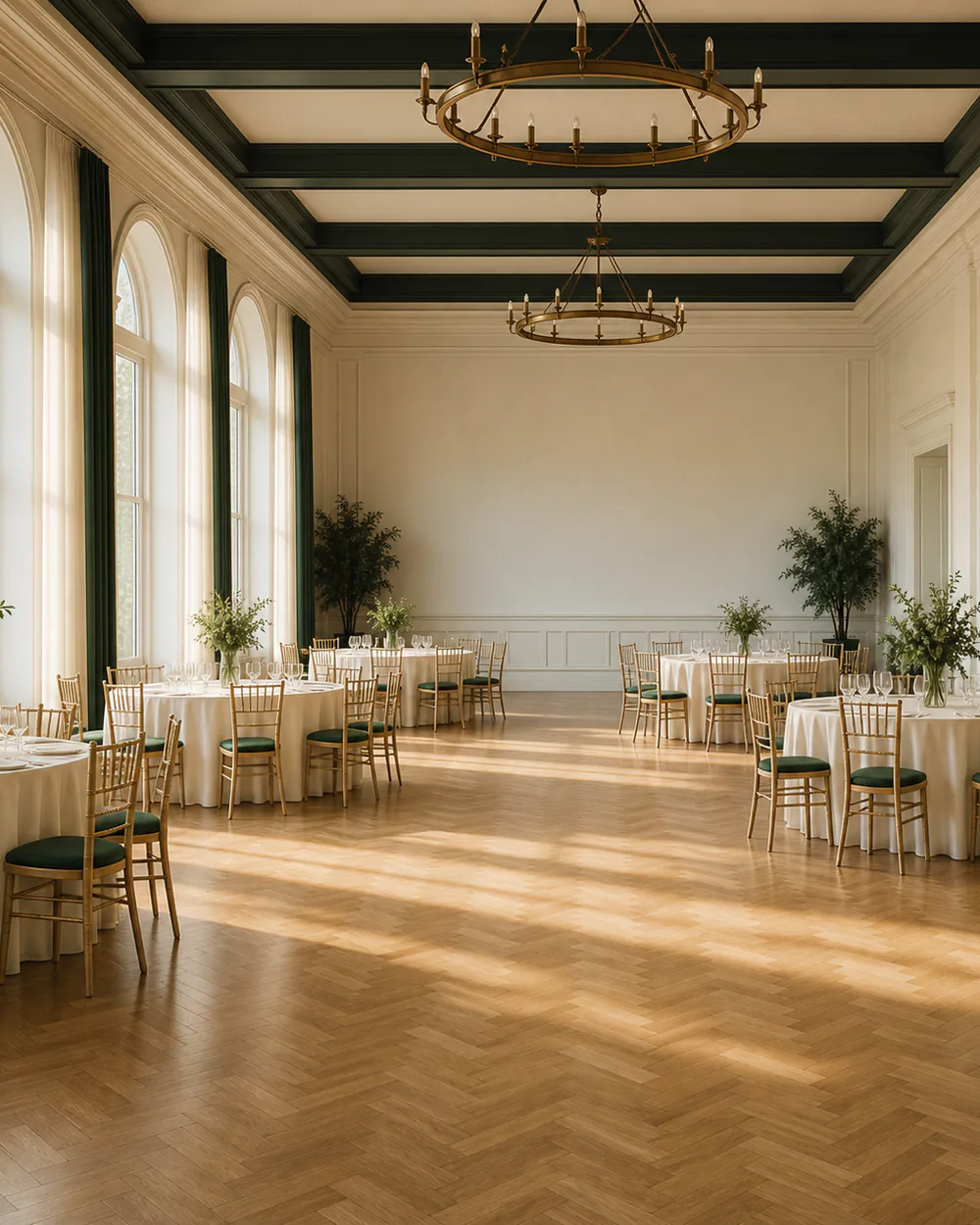
Run your venue like it runs itself.
The booking engine and operations software for halls, sports clubs, community centres and event spaces — one calendar, deposits taken up front, and every empty slot working towards revenue.
One email to bookings@venuebooker.co, and a reply within one business day.
See what it does ↓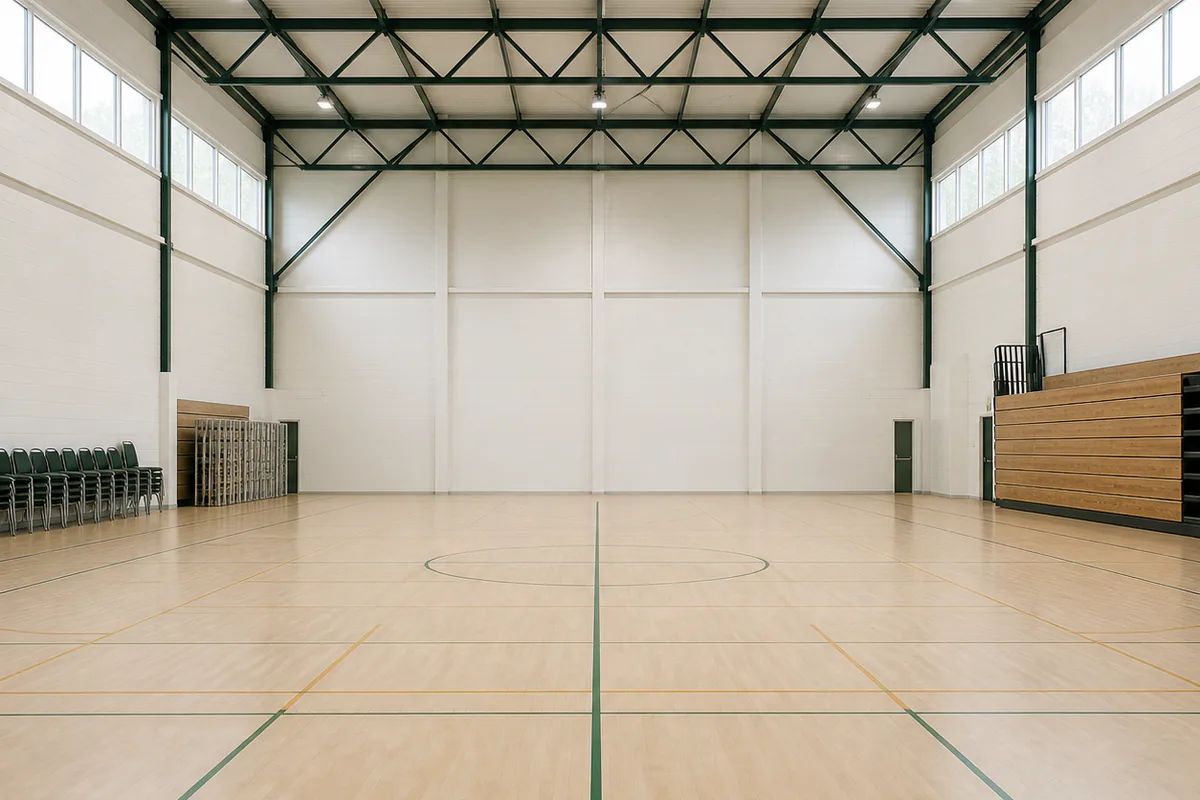
Great venues, run on spreadsheets and sticky notes
Most halls, clubs and community spaces still take bookings by phone, chase deposits by email, and keep the master diary in one person’s head. It works — until two parties turn up for the same room.
- Double-bookings happen Paper diaries and shared spreadsheets don’t lock a slot the moment it’s claimed. VenueBooker does — one source of truth, no clashes.
- Deposits go unchased Chasing bank transfers eats evenings and no-shows eat revenue. Take deposits at the moment of booking, automatically.
- Empty slots stay empty If hirers can’t see your availability, they can’t book it. A live calendar turns quiet Tuesday afternoons into paid hours.
Everything a venue office needs
Built operator-side, for the people who hold the keys — not another consumer marketplace. This is the working day it covers, from the first enquiry to the last chair stacked.
- Online booking calendar A live calendar for every room, pitch and hall you manage. Hirers see real availability; you approve or auto-confirm.
- Deposits & payments Take deposits and balances online at booking time, with automatic receipts. Your terms, your cancellation windows.
- Function sheets Every booking generates a clear run sheet: setup, timings, catering notes, access arrangements.
- Utilisation reporting Occupancy by space, day and hour, plus revenue per slot — the quiet periods and the peaks, in numbers.
- Reminders & notifications Automatic confirmations, payment reminders and day-before nudges — plus instant alerts when a request lands.
- Regulars & block bookings Weekly clubs, seasonal leagues, term-time classes — set the pattern once and the whole series is booked and protected.
One week, one venue, one screen
Three spaces, five days, every slot accounted for. The calendar is the product: claim a slot and it is locked for everybody, instantly.
An illustration of the week view — your own spaces, colours and hire types in place of these.
From empty diary to booked-out, in three steps
Three passes through the product and your venue is live — no migration project, no training week.
- Map your spaces Add your rooms, halls and pitches with opening hours, rates and house rules. Each space carries its own conditions, so every booking made against it inherits them.
- Share your calendar Put your live availability on your website or share a booking link. Hirers pick a slot, agree your terms and pay the deposit online.
- Run the day Function sheets tell your team what to set up and when. Reports tell you which slots earn — and which ones to fill next.
From the first enquiry to the morning after
Three things the software holds fixed, and the four stages every hire passes through on its way to your accounts.
calendar across every space you are responsible for
double-bookings possible, by design
the diary keeps taking bookings while the office is shut
The enquiry arrives
A hirer picks a free slot or sends a request — either way it reaches you in one place, space and hours attached.
The slot is held
Confirmation locks the space for everyone at once and takes the deposit on your terms, receipt included.
The team is briefed
The function sheet carries setup, timings, access and catering to whoever is on shift that evening.
The numbers land
Occupancy and income by space, day and hour, with a payment history sitting behind every line.
Those three figures describe how VenueBooker is built, not an average taken across other people’s venues.
Questions, answered honestly
Can we see it working on our own venue?
That is exactly what a demo is for. Tell us what you look after and how bookings reach you today, and we put your spaces, your rates and one of your busier weeks on the screen rather than a tidy example of ours.
What does the software actually cover?
The booking calendar, online deposits and payments, block and recurring hires, function sheets for the team on shift, reminders to hirers, and utilisation reporting by space, day and hour. What each tier carries is set out on the pricing page.
Is VenueBooker a venue-finding marketplace?
No. VenueBooker is operator-side software: it helps you run the venue you already manage. We don’t list venues to consumers, and we’re not connected to “The Venue Booker”, an unrelated UK venue-finding service.
What kinds of venues is it for?
Anywhere with bookable space and a diary to protect: village and church halls, sports clubs and pitches, community centres, arts spaces, function rooms and small event venues. Single rooms or multi-space sites.
Does it replace our website?
No — it sits behind it. Embed your live availability in the page you already have, or share a booking link, and hirers book without ever leaving your own name and branding.
How is it priced?
By how much bookable space sits on the account, across three tiers set out on the pricing page. We quote your venue once we know the count — a hall with a committee room is not priced like a six-pitch club.
How do I arrange a demo?
Email bookings@venuebooker.co with your venue name and roughly how many bookable spaces you run. We reply within one business day, and we only write to you about your own venue — nothing else.

Bring us your busiest week
Tell us how the diary works today — the regulars, the parties, the deposits somebody is still chasing — and we will show you that same week running here.
bookings@venuebooker.co · replies within one business day